Codes

Start with the code printed by the game itself.

WELCOME appears in the official Roblox description. Its exact reward is not stated there, so check the in-game message instead of relying on a copied reward list.

Checked Aug 10, 2026

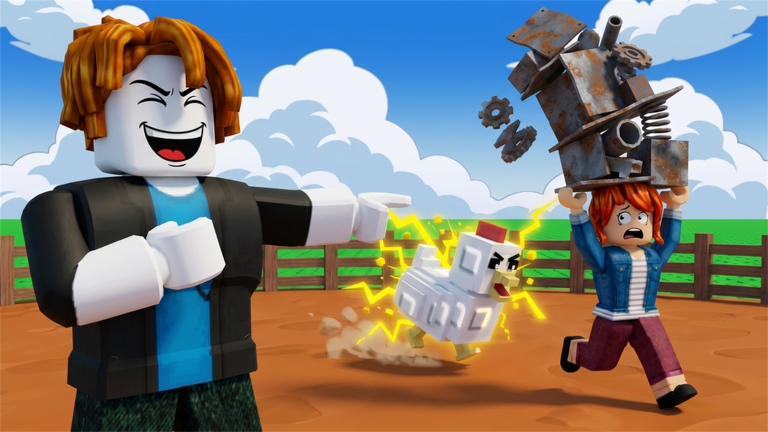
A Grow a Chicken Fighter chicken powering through a pile of scrap

Official description

WELCOME

Token confirmed. Reward must be checked in your current server.

WELCOME

Captured working codes

Two more tokens shown redeeming successfully

A player recording captured on August 6, 2026 shows both tokens reaching the green "Code Redeemed!" state. They are not printed in the official description and can expire, so test them in your current server.

LETMECOOK
Captured Aug 6

Successful in the recording. Current reward and validity still need an in-game check.

SERGIOVERSE
Captured Aug 6

Successful in the recording. Current reward and validity still need an in-game check.

Redeem without guesswork

Use the current in-game code screen

  1. Join the correct experience

    Match the title Grow a Chicken Fighter and place ID 94640181989498.

  2. Find the current Codes entry

    Use the labels visible in your server. Buttons can move after an update.

  3. Paste one token

    Keep the capitalization and remove any space before or after the code.

  4. Read the result

    Look for the green "Code Redeemed!" state or an error, then check which balance or inventory item changed.

If the code does not work

  • Re-copy the token instead of typing it from memory.
  • Confirm the game has fully loaded before submitting.
  • Rejoin once to pick up a newer server version.
  • Treat captured codes as expired if the current game rejects them.

Code questions

Common answers

What is the official Grow a Chicken Fighter code?

WELCOME is printed directly in the official Roblox game description.

What does WELCOME give?

The official description does not name the reward. Check the message and balance changes in your current server after redeeming it.

Why does a code say invalid?

Check spelling and capitalization, remove spaces, confirm you are in the correct Roblox experience, and rejoin a current server before trying again.